Who is waiting for you
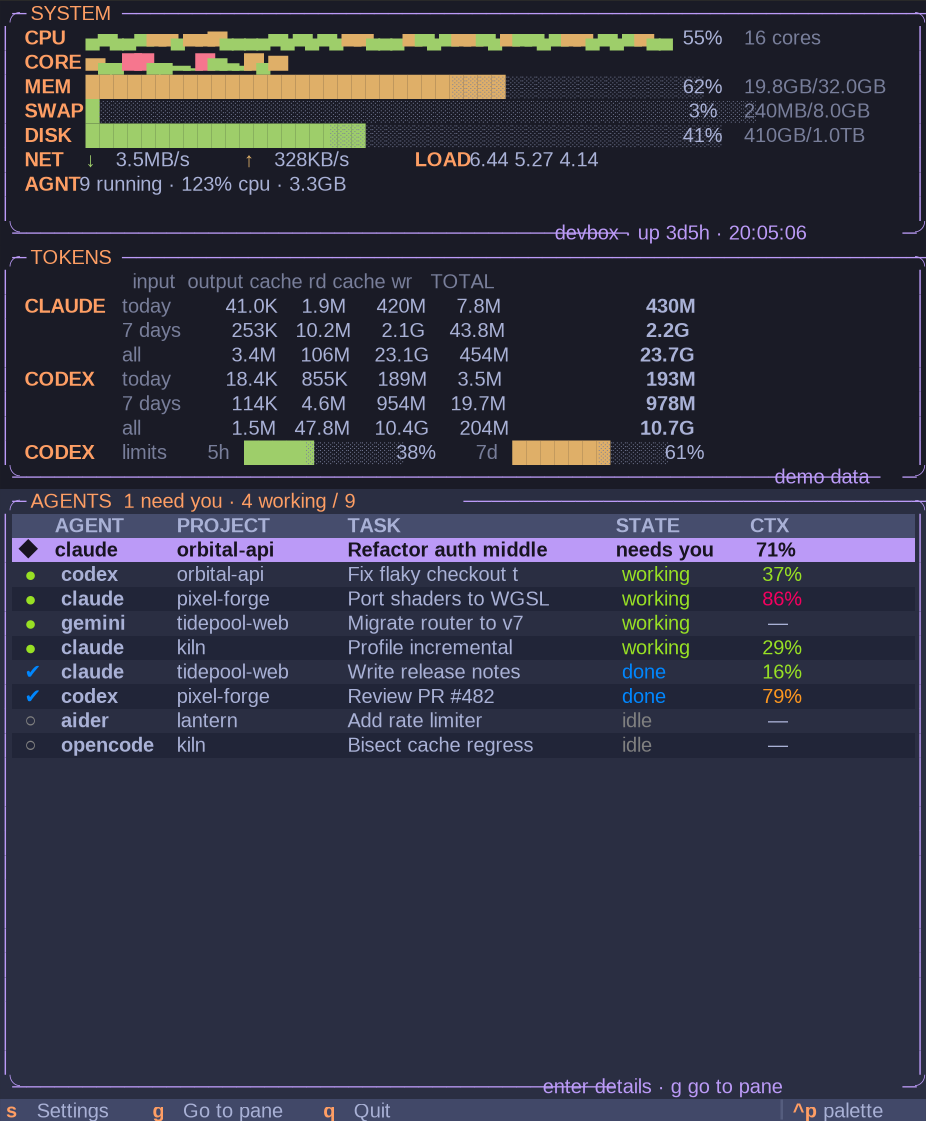
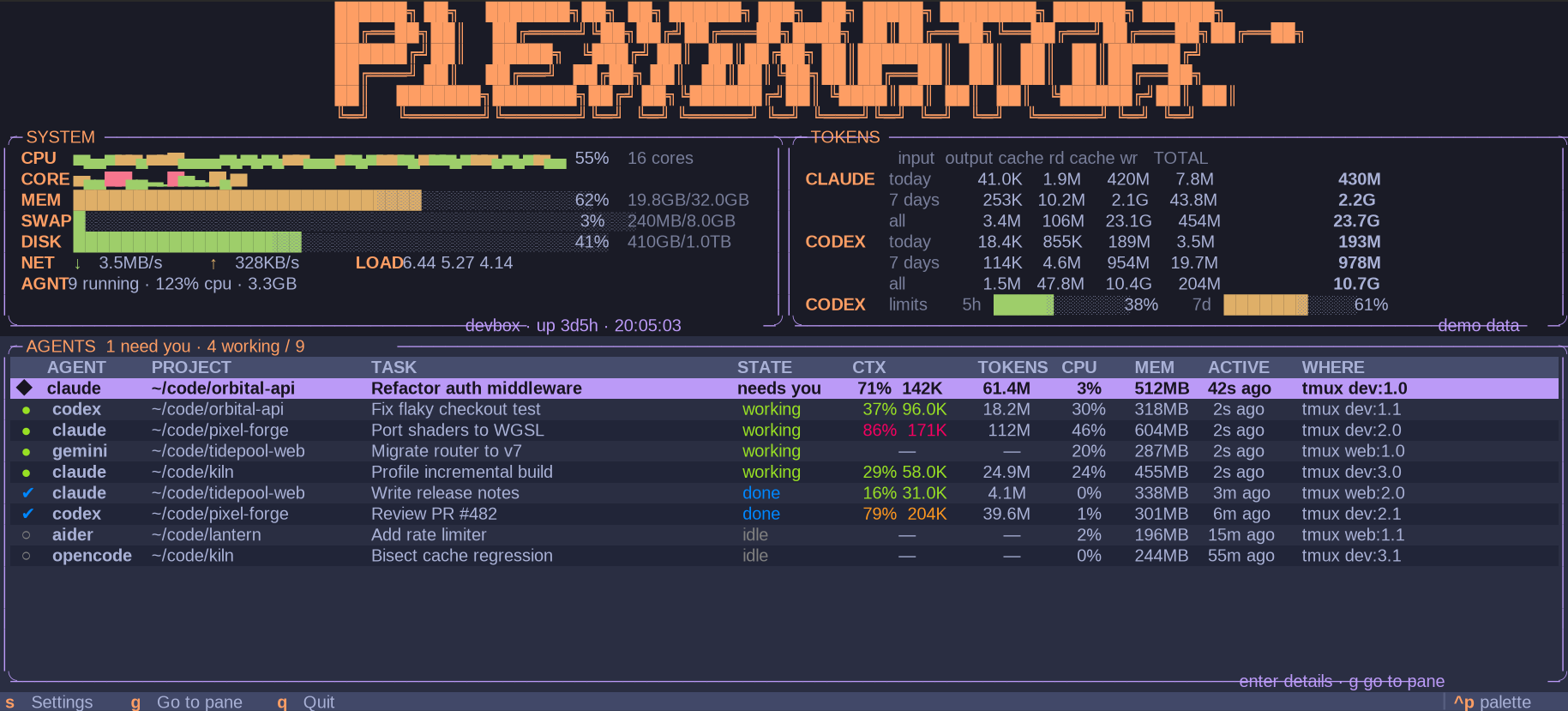
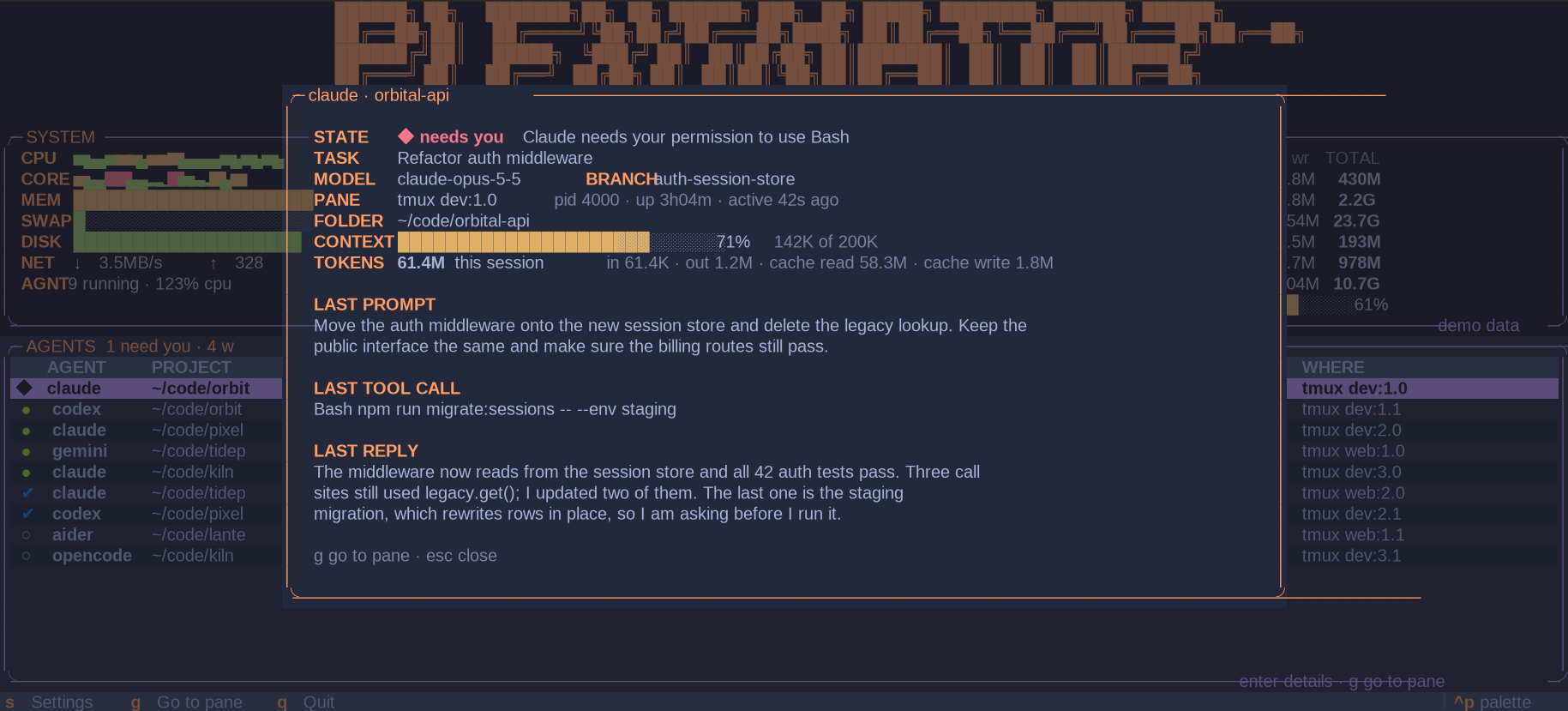
Each agent is marked working, done, idle or needs you. An agent blocked on a permission prompt jumps to the top of the table. Exact for Claude Code once you install the hooks; estimated from activity otherwise.
Slap this on your multiplexer of choice and feel like a god.
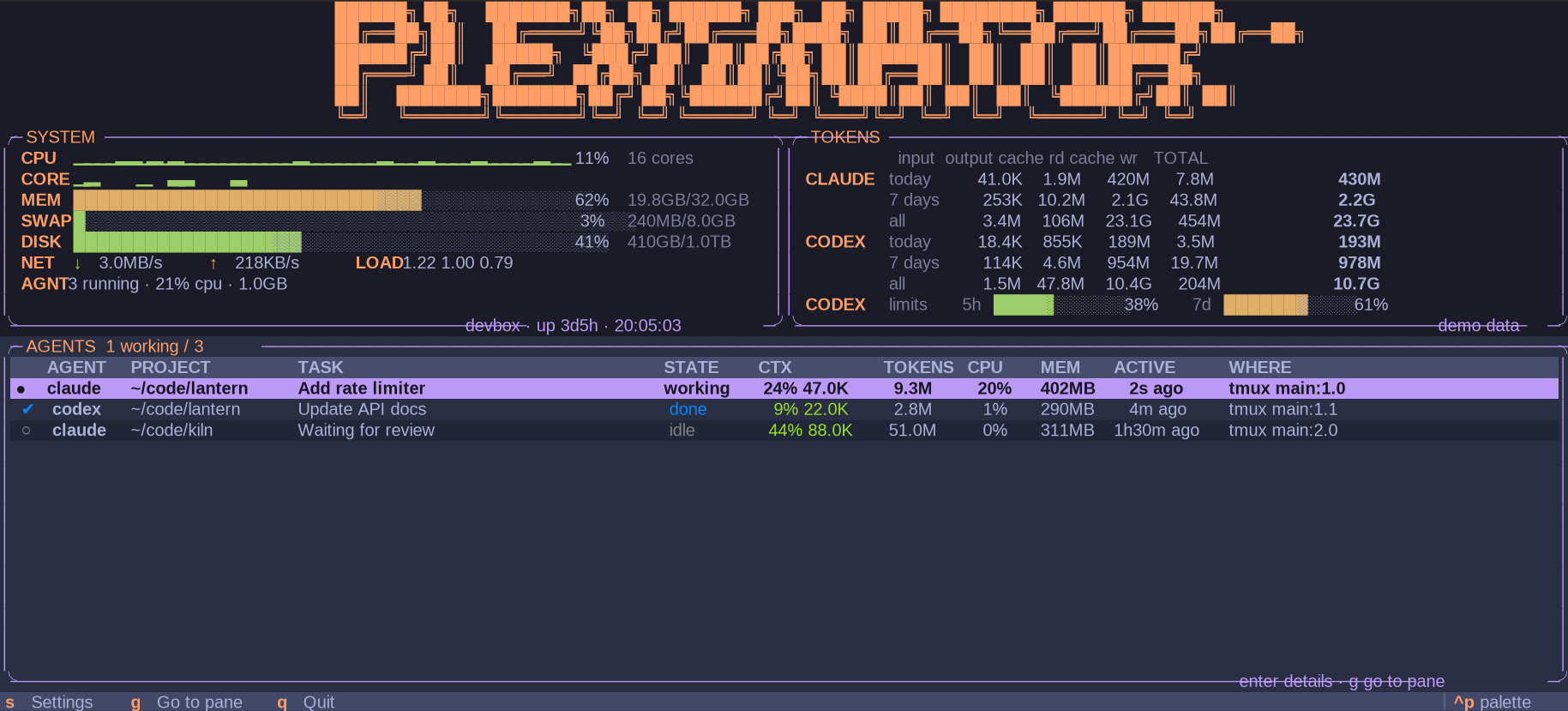
You are probably here because you are sloperating with 100 agents open in different panes. What a time to be alive. Plexonator shows you which ones need you, what each one is doing, and how many tokens and how much of your machine each one is eating. Supports Claude Code, Codex and Gemini, on tmux and cmux. Easy to attach to your startup scripts. Your coworkers walking past you will want it too.
git clone https://github.com/EmilSuuronen/plexonator && ./plexonator/plexonator.pyLinux and WSL. Needs uv, which fetches Python and the two dependencies on first run.
One file, no setup. Works on Linux and WSL.
curl -LsSf https://astral.sh/uv/install.sh | shgit clone https://github.com/EmilSuuronen/plexonator && ./plexonator/plexonator.pyset-hook -g session-created 'split-window -h -l 40% ~/plexonator/plexonator.py'./plexonator/plexonator.py --install-hooksKeys: enter agent details, g go to pane, s settings, q quit.
It only reads: process information and the session logs your agents already write. Nothing is sent anywhere.
Each agent is marked working, done, idle or needs you. An agent blocked on a permission prompt jumps to the top of the table. Exact for Claude Code once you install the hooks; estimated from activity otherwise.
Move to an agent and press g. Your multiplexer focuses the pane that agent runs in. Works with tmux and cmux.
How full each session's context window is, and how many tokens it has used, right in the table. For Claude Code and Codex. Spot the one about to run out before it does.
Input, output and cache tokens for today, the last 7 days and all time, plus your Codex 5-hour and weekly limits when Codex reports them.
CPU history and per-core load, memory, swap, disk and network, and what all your agents add up to, so you can see when ten agents are too many.
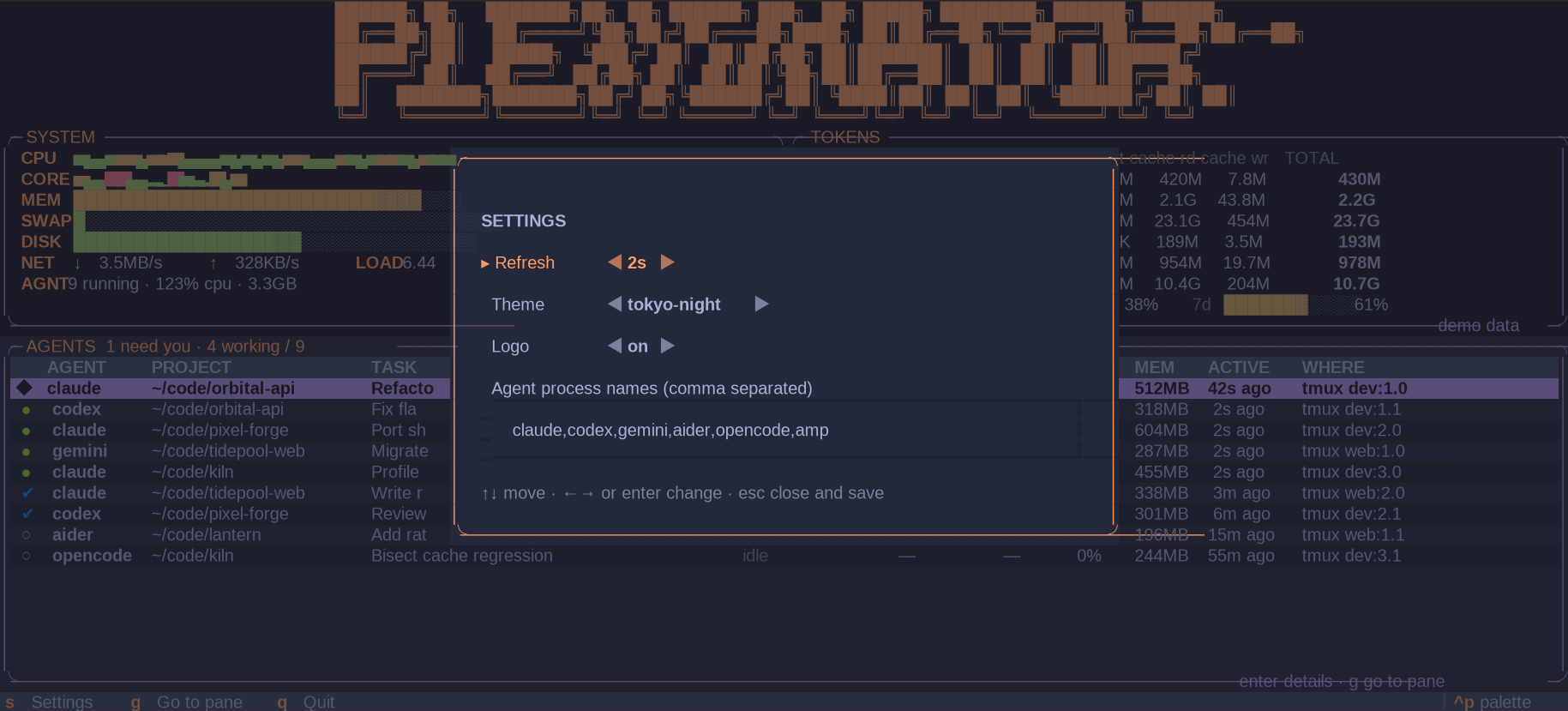
Press s. Arrow keys move and change; themes preview live. Saved to one small config file.
See what it was last asked, what it last ran, what it last said, and why it is waiting, without leaving your pane.
Pick one in the settings screen. Your choice is remembered.
Give it a whole window, or a narrow strip beside your agents. Under 124 columns the panels stack.